admin

3 Power-User Tips for Working More Efficiently With the Scrivener Binder

Three tips for optimizing the Binder in Scrivener:
1. Show document counts in folder icons to manage projects better.
2. Add links to files in the Inspector for quick reference.
3. Use Editor navigation history for efficient document navigation.

Implementing these tips can enhance your workflow in Scrivener.

https://www.literatureandlatte.com/blog/3-power-user-tips-for-working-more-efficiently-with-the-scrivener-binder

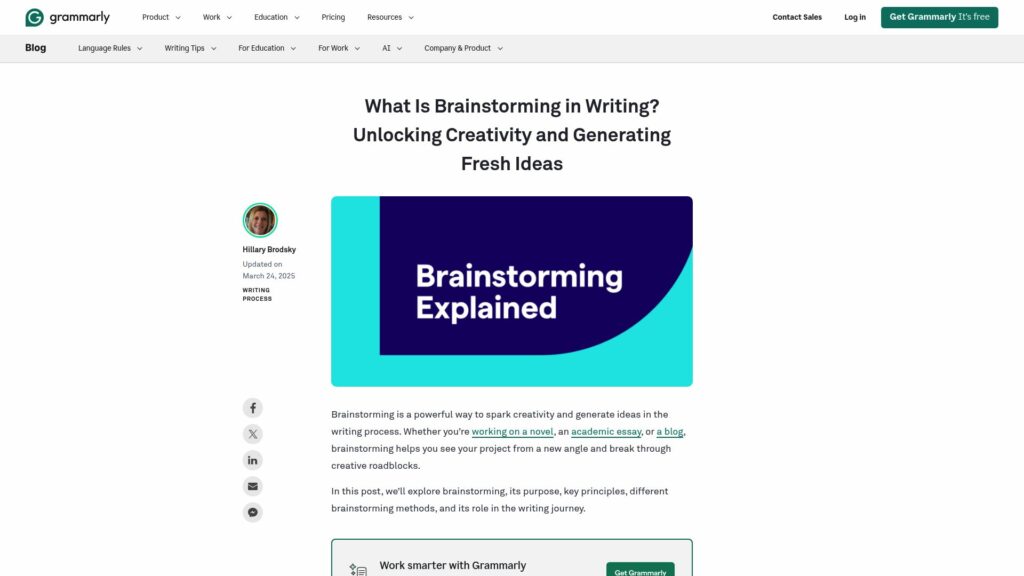
What Is Brainstorming in Writing? Unlocking Creativity and Generating Fresh Ideas

Brainstorming is a creative technique used in writing to generate, refine, and organize ideas, crucial for overcoming creative blocks. Introduced by Alex Osborn in 1948, it involves principles like focusing on quantity and withholding criticism. It benefits all writers—novelists, academics, and professionals alike—by offering fresh perspectives. Different methodologies, both individual and group, structured and unstructured, exist to suit various needs. Misconceptions about brainstorming include beliefs that it’s only for beginners or merely lists. It plays a role throughout the writing process, encouraging ongoing creativity and clarity. AI tools, like Grammarly’s Brainstorming Generator, enhance the brainstorming experience.

https://www.grammarly.com/blog/writing-process/what-is-brainstorming/

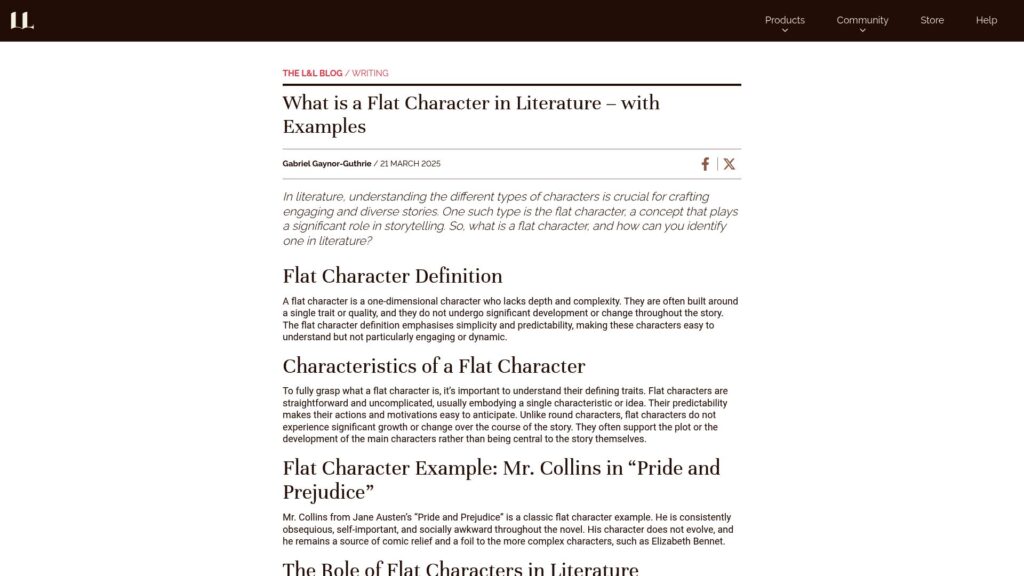
What Is a Flat Character in Literature – With Examples

TLDR: Flat characters are simple, one-dimensional figures in literature who lack depth and do not undergo significant development. They often support the plot or main characters, provide comic relief, and exemplify themes. Examples include Mr. Collins in “Pride and Prejudice” and Bruce the Shark in “Finding Nemo.” While less dynamic than round characters, flat characters are crucial for storytelling balance and narrative flow.

https://www.literatureandlatte.com/blog/what-is-a-flat-character-in-literature

A Major Navigation Update: Introducing the Journals and More Tabs

Day One update features intuitive navigation with new Journals and More tabs for easier journal access and organization. Requires iOS version 2025.6 or higher. Users can manage journals, access key features, and enjoy a redesigned On This Day experience. iPad users benefit from a new 3-column layout for better multitasking. The previous Today view is accessed via the Calendar View. Feedback encouraged for improvements and future guided journaling features.

https://dayoneapp.com/releases/major-navigation-update-with-journals-more-tab/

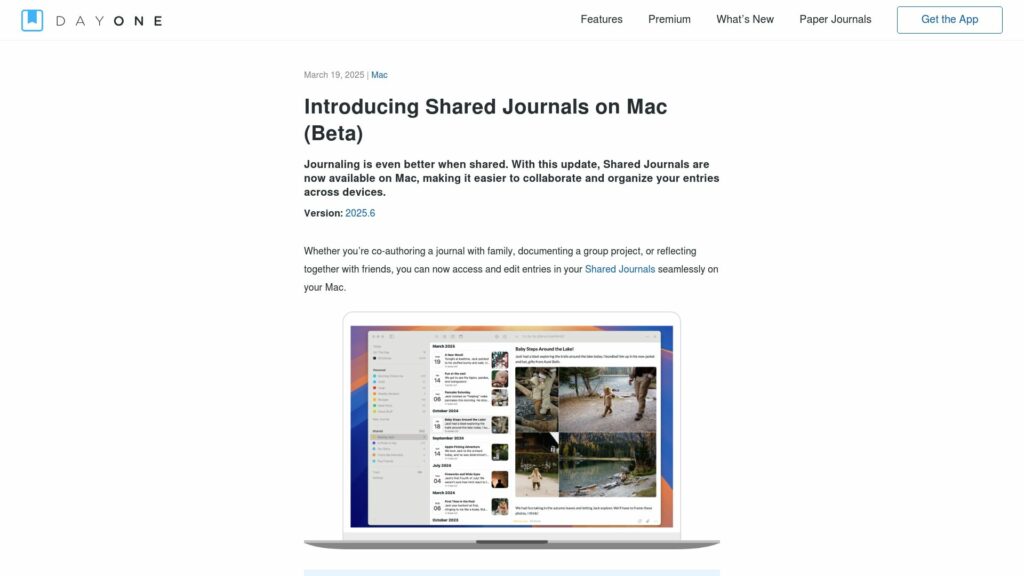
Introducing Shared Journals on Mac (Beta)

Day One introduces Shared Journals for Mac, allowing seamless co-authoring and editing entries. Requires Day One for Mac version 2025.6+. New features include sidebar access, entry editing, drag-and-drop functionality, and move confirmation. Creating journals, inviting members, commenting, and viewing member info are not yet available. Beta feedback encouraged for future improvements.

https://dayoneapp.com/releases/introducing-shared-journals-on-mac-beta/

Scroll to Top