Bear

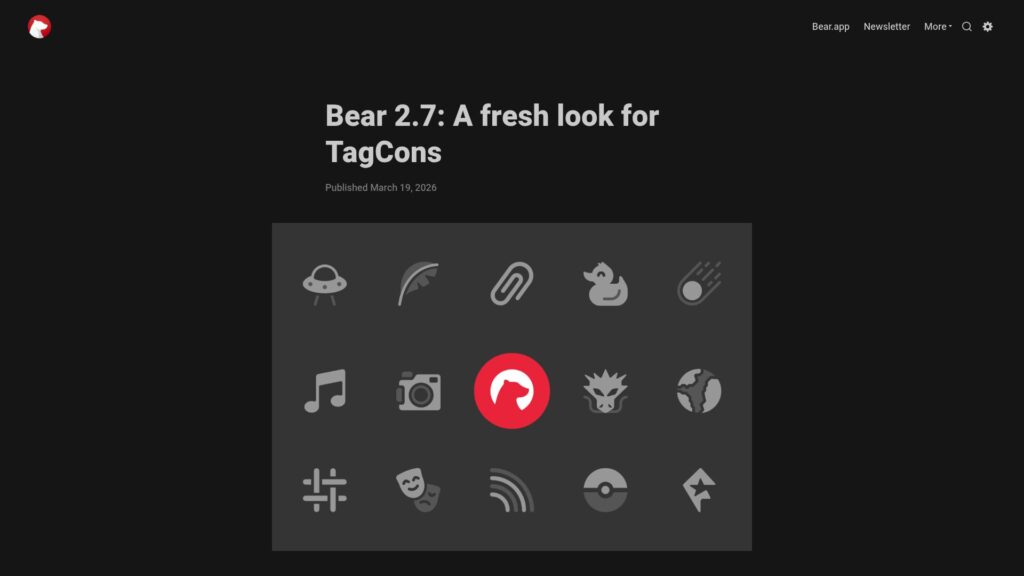
Bear 2.7: a Fresh Look for TagCons

Bear 2.7 is here for macOS and iOS/iPadOS, featuring redesigned TagCons and a more harmonious look with Apple's ecosystem. It includes 260 icons for better organization and a revamped Edit Tag panel. TagCons are now integrated into the Editor for a more visual experience. Future updates will bring new TagCons, and user feedback is encouraged through various platforms. Happy writing!

https://blog.bear.app/2026/03/bear-2-7-a-fresh-look-for-tagcons/

How to Use Bear and MindNode Together

Bear and MindNode, two apps favored by the Bear team, work well together to enhance productivity. MindNode is an intuitive mind-mapping tool that aids brainstorming, while Bear focuses on detailed note-taking. Their integration allows seamless workflow between them, enabling users to visualize big ideas and refine details efficiently. Utilizing both apps together fosters a clear and organized approach to tasks, making projects manageable across devices. Users can brainstorm in MindNode, link Bear notes for references, or import Bear notes into MindNode for visual overviews, enhancing overall project execution.

https://blog.bear.app/2025/09/how-to-use-bear-and-mindnode-together/

Bear Web Public Beta – You Are Invited!

Bear Web is in public beta, allowing users to access, edit, and search notes in any web browser. It complements Bear's Mac, iPhone, and iPad apps but has limitations. A Bear Pro subscription is needed for syncing and future full access. Users should back up notes, and Advanced Data Protection must be disabled. Feedback is encouraged, and keyboard shortcuts differ from the native app. Happy testing!

https://blog.bear.app/2025/07/bear-web-public-beta-you-are-invited/

Bear 2.4 Update: Better Encryption, Smarter Todo, and More!

Bear encryption now supports notes with attachments, enhancing security. Updates include smarter To-Do sorting, improved pinning features, and smoother synchronization. Bear 2.4 requires macOS 12.4 and iOS 15.6 or later. Users can update manually if needed. Key improvements: encrypt attachments, automatic sorting of completed To-Dos, and refined pinned notes organization. Update now for a smoother note-taking experience!

https://blog.bear.app/2025/05/bear-2-4-update-better-encryption-smarter-todo-and-more/

How to Use Bear With Apple’s Built-in Apps

Bear seamlessly integrates with Apple’s ecosystem, enhancing productivity through easy note connections. Key features include clipboard management for Markdown formatting, drag-and-drop functionality for sharing, and Apple Shortcuts for task automation. Bear works well with built-in apps like Reminders, Calendar, Mail, and Safari for tasks and content saving. This integration offers efficient workflows while maintaining simplicity. Overall, Bear enhances user experience across Apple apps.

https://blog.bear.app/2025/03/how-to-use-bear-with-apples-built-in-apps/

Scroll to Top