app

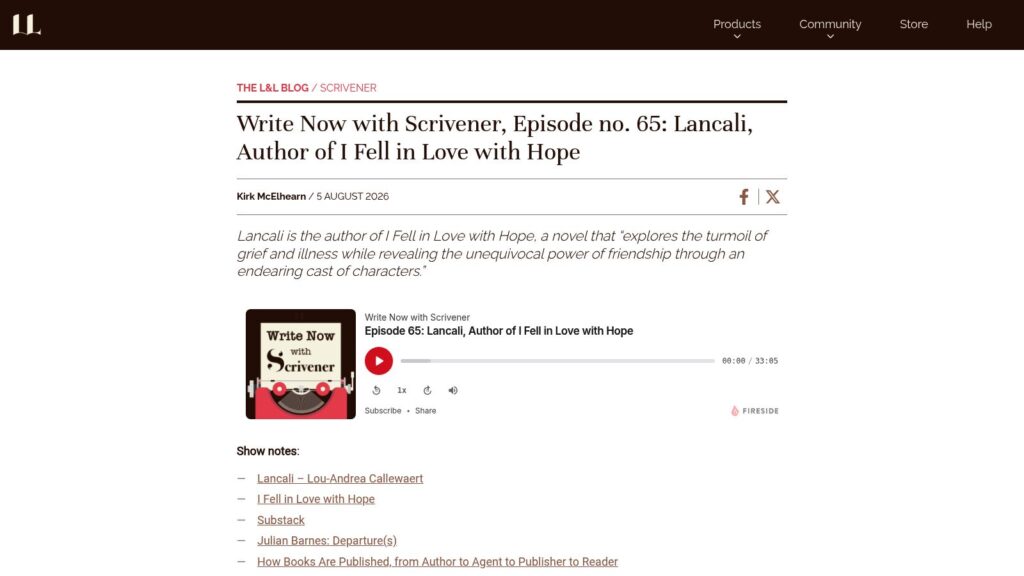
Write Now with Scrivener, Episode No. 65: Lancali, Author of I Fell in Love with Hope

Lancali, the pen name of Lou-Andrea Callewaert, authored the novel I Fell in Love with Hope, which explores adolescent experiences with chronic illness and emphasizes the importance of friendship over romantic love. Drawing on her own experience with an autoimmune disease, she chose to focus on the emotional realities of illness without typical romantic tropes, using tools like Scrivener to organize her writing chaos and appreciated the software’s stance against AI integration.

https://www.literatureandlatte.com/blog/write-now-with-scrivener-episode-no-65-lancali-author-of-i-fell-in-love-with-hope

How to Change Scrivener’s Interface Language

Scrivener allows users to change its interface language independently from their computer's operating system language on both Mac and Windows. On Mac, users can adjust the language for Scrivener specifically via System Settings under Language & Region without altering the overall macOS language, while on Windows, the option is available through Scrivener’s own preferences in the Options menu. This flexibility supports multilingual writers who want to maintain different language settings for their OS and writing software.

https://www.literatureandlatte.com/blog/how-to-change-scriveners-interface-language

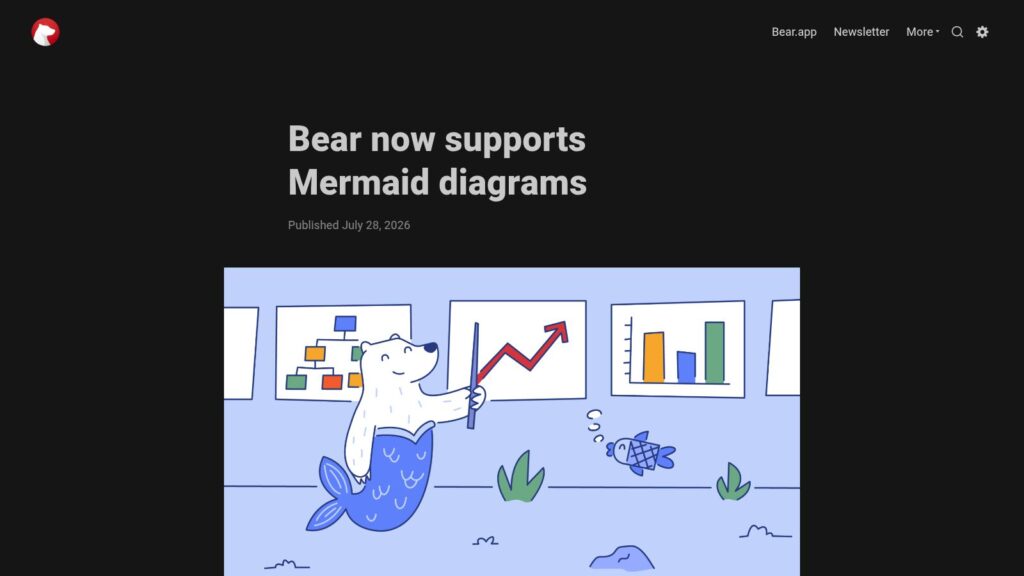
Bear Now Supports Mermaid Diagrams

Bear now supports embedding Mermaid diagrams directly in notes, allowing users to create flowcharts, Gantt charts, pie charts, and more using plain text code that renders live as they type. This feature keeps diagrams searchable and easy to update, enhancing Bear's utility for developers, analysts, students, and everyday users who want dynamic visual elements integrated seamlessly into their writing.

https://blog.bear.app/2026/07/bear-now-supports-mermaid-diagrams/

How to Use Tables in Scrivener Projects

Scrivener’s tables offer flexible options for presenting and organizing data within writing projects, useful not only for nonfiction but also for tasks like worldbuilding, character management, and tracking story elements in fiction. Users can insert, format, and edit tables with various tools, including adding rows or columns, adjusting alignment, and customizing styles, while compiled projects preserve tables as formatted or allow combining adjacent tables with matching columns. These features help writers keep research, notes, and drafting details integrated and accessible within their Scrivener projects.

https://www.literatureandlatte.com/blog/how-to-use-tables-in-scrivener-projects

Bear 2.9: Use Tag as Workspace

Bear has introduced Workspace, a feature that lets users designate any tag as a focused writing environment, showing only notes and related tags under that tag to minimize distractions. This allows users to quickly switch between projects or contexts, keeping their note workspace streamlined and private. The update also adds scoping for the MCP server, enabling control over which notes are visible based on tags, enhancing privacy and organization within Bear.

https://blog.bear.app/2026/07/bear-2-9-use-tag-as-workspace/

Create Custom Scrivener Compile Formats

Scrivener's compile feature allows writers to export their projects in various formats, with customizable compile formats enabling precise control over the final document layout. Users can create or duplicate compile formats, then adjust numerous settings such as section layouts, styles, separators, and file-specific options like CSS for ePubs or PDF configurations, tailoring the output to their specific needs. Testing and iterative refinement within the Compile Format editor help ensure the exported file meets the desired standards, especially useful for generating custom-designed ebooks or print-ready PDFs.

https://www.literatureandlatte.com/blog/create-custom-scrivener-compile-formats

Use Scrivener’s Find by Formatting Feature to Find Highlights, Comments, Colored Text, and More

Scrivener's Find by Formatting feature enhances editing by allowing users to search for text based on specific formatting types such as highlights, comments, revision colors, styles, and more. Accessible via the Edit menu, keyboard shortcuts, or the toolbar, this tool is especially useful during the revision stage to locate and manage annotations, changes, or color-coded text across a project. By enabling writers to quickly navigate formatted text, this feature supports an organized and efficient revision workflow.

https://www.literatureandlatte.com/blog/use-scriveners-find-by-formatting-feature-to-find-highlights-comments-colored-text-and-more

Write Now with Scrivener, Episode No. 64: Tahmima Anam, Author of Uprising

Tahmima Anam's novel Uprising, a finalist for the 2026 Orwell Prize, explores themes of climate crisis and exploitation through the story of a floating brothel island threatened by flooding and cyclones. Drawing inspiration from a real island in Bangladesh, Anam emphasizes how an outsider's perspective informs her writing and uses Scrivener to manage multiple character viewpoints and structure her work.

https://www.literatureandlatte.com/blog/write-now-with-scrivener-episode-no-64-tahmima-anam-author-of-uprising

Scroll to Top