iA Presenter Screen Saver
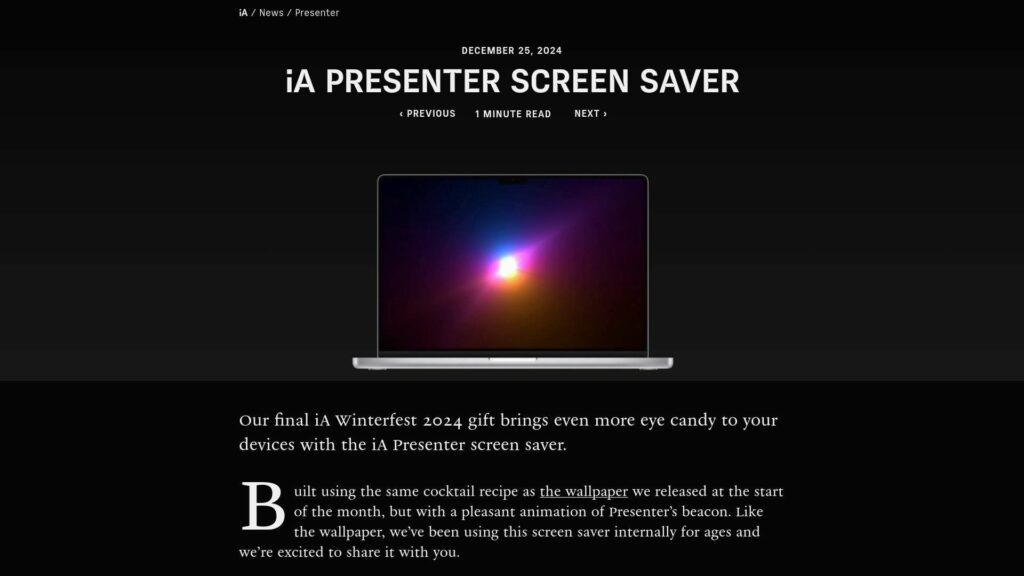
iA Winterfest 2024 concludes with the iA Presenter screen saver, featuring animation of Presenter’s beacon, similar to the previously released wallpaper. Download it by entering your email for updates and tips.

Writing With Clarity, Systems and Modern Tools
Writing With Clarity, Systems and Modern Tools
iA Winterfest 2024 concludes with the iA Presenter screen saver, featuring animation of Presenter’s beacon, similar to the previously released wallpaper. Download it by entering your email for updates and tips.
Silent letters in English complicate fluency. They are letters that are part of a word’s spelling but not pronounced, differing from other Latin languages. The article discusses their patterns, origins, purposes, and learning tips, noting that they can vary by dialect and contain exceptions. Key patterns include silent ‘k’ before ‘n,’ silent ‘g’ before ‘n,’ silent ‘b’ after ‘m,’ silent ‘p’ in Greek words, and silent ‘h’ in certain Latin-origin words. While 40% of silent letters follow recognizable patterns, many words do not, posing challenges for learners.
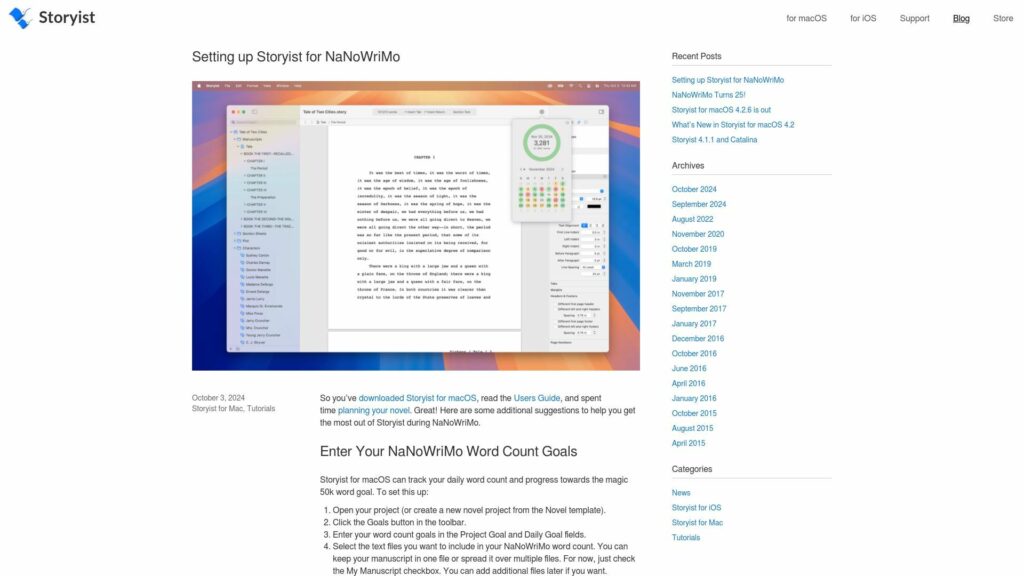
Download Storyist for macOS, read the Users Guide, and plan your novel for NaNoWriMo. Set word count goals: open your project, click Goals, enter counts, select files (My Manuscript). Use Goals button to track progress via calendar, graph, or summary views.
https://storyist.com/blog/2024/10/setting-up-storyist-for-nanowrimo/
NaNoWriMo celebrates 25 years inspiring writers to create 50,000-word novels in November. Starting in 1999 with 21 friends, it now involves hundreds of thousands globally. Storyist has supported NaNoWriMo for 18 years, promoting creativity and accessibility in writing. Congrats to NaNoWriMo on 25 years of storytelling!
Extreme TLDR:
Improve microcopy by ensuring it’s role-playable, clear, and concise. Use friendly dialogues, be transparent on sensitive topics, and reflect actions in button labels. Provide clear reasons for actions, avoid explaining UI interactions, and limit each message to one idea. Use relatable examples, avoid negatives, and eliminate jargon. Ensure titles and buttons are understandable without body text, and always lead with important info. Use specific terms consistently and keep error messages straightforward. Aim for a smooth user experience and collaborate with designers for effective microcopy creation.
https://www.smashingmagazine.com/2024/06/how-improve-microcopy-ux-writing-tips-non-ux-writers/
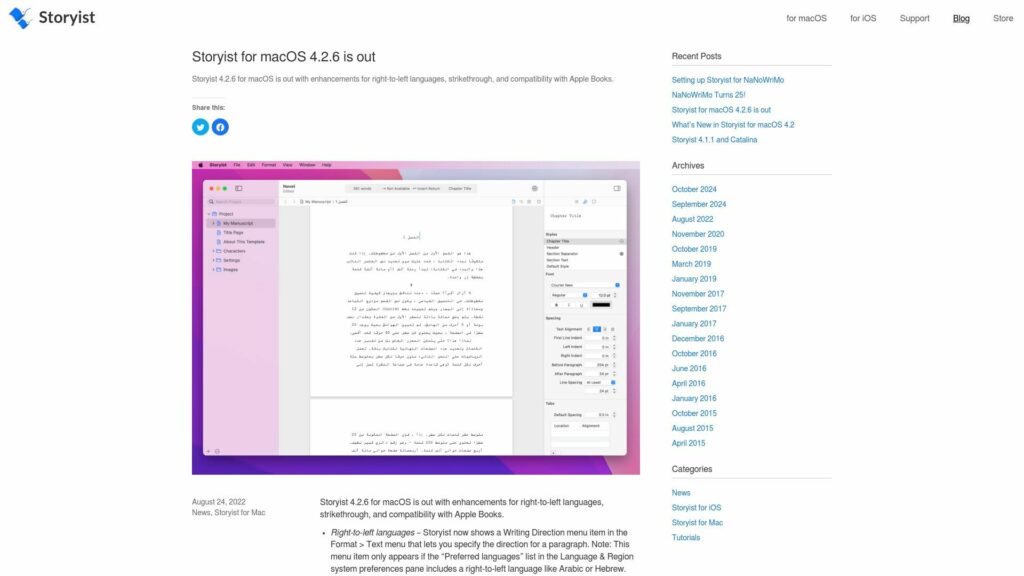
Storyist 4.2.6 for macOS adds right-to-left language support, strikethrough text option, and improved ePub compatibility with Apple Books.
https://storyist.com/blog/2022/08/storyist-for-macos-4-2-6-is-out/
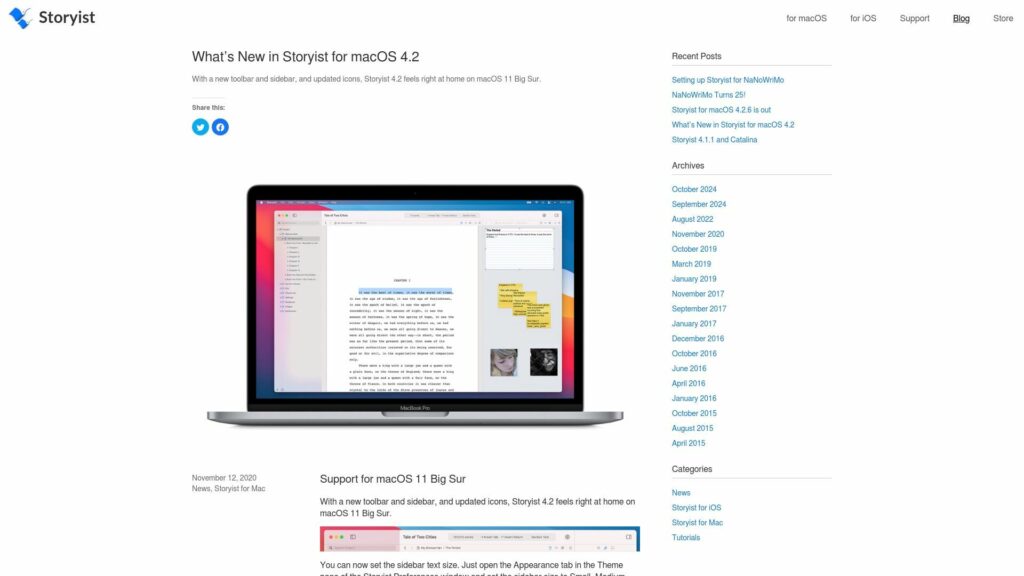
Storyist 4.2 supports macOS 11 Big Sur with a new interface, sidebar text size options, and split view controls. It runs natively on Apple Silicon M1 Macs, supports iCloud versioning, adds cloud status columns, and enhances window tabs for easy navigation.
https://storyist.com/blog/2020/11/whats-new-in-storyist-for-macos-4-2/
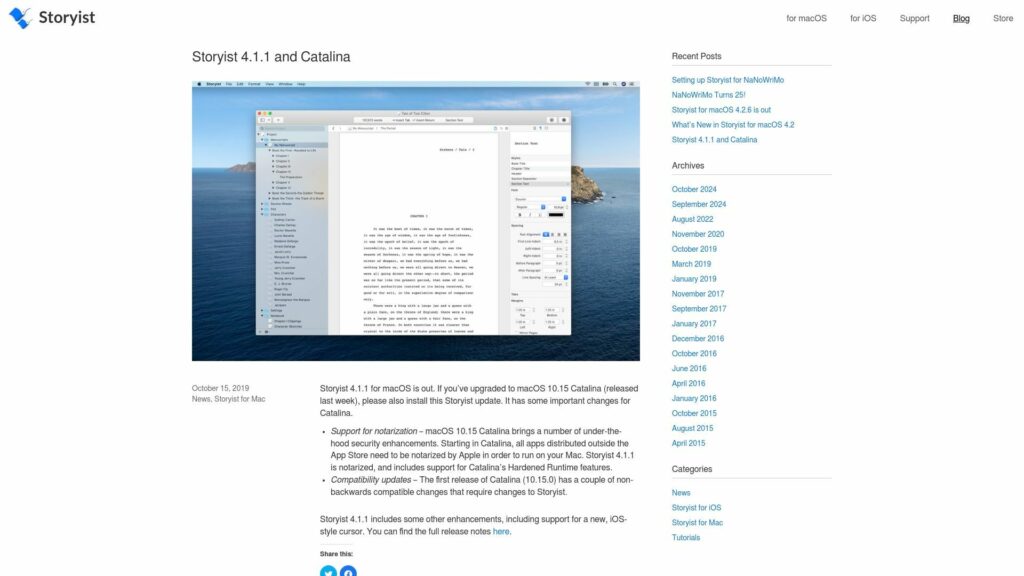
Storyist 4.1.1 for macOS released; upgrade for Catalina 10.15. Includes Apple notarization support, compatibility updates, and new enhancements like an iOS-style cursor. Full release notes here.
https://storyist.com/blog/2019/10/storyist-4-1-1-and-catalina/
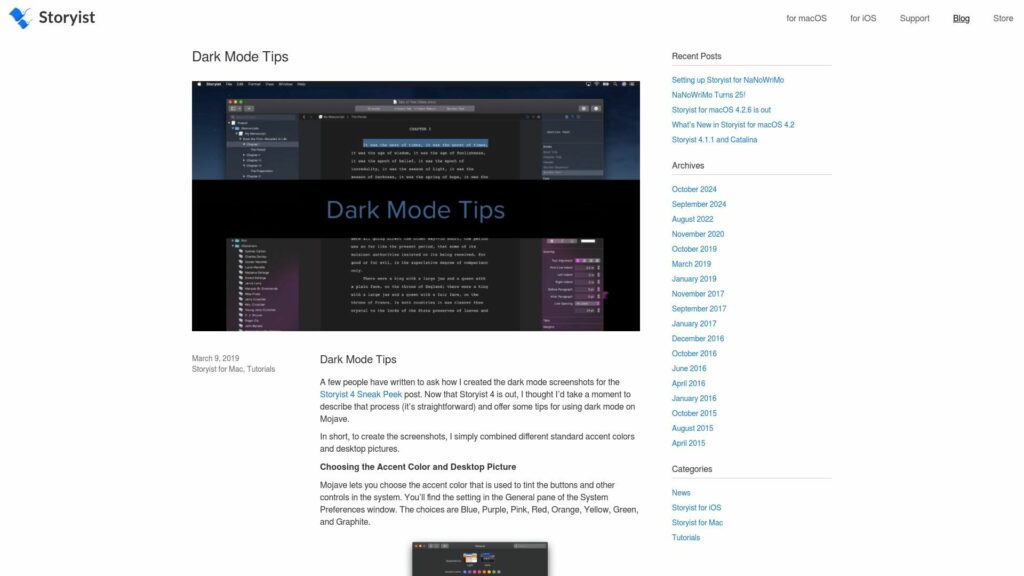
Dark Mode Tips Summary: To create dark mode screenshots for Storyist 4, combine accent colors and desktop pictures in Mojave’s System Preferences. Choose from colors like Blue, Purple, and Pink. Experiment with backgrounds for hue effects. Storyist 4 defaults to light text on dark backgrounds; switch to light appearance in Preferences if needed. Remember, dark text may not auto-adjust in dark mode; use “Set Text Color Automatically” for compatibility.
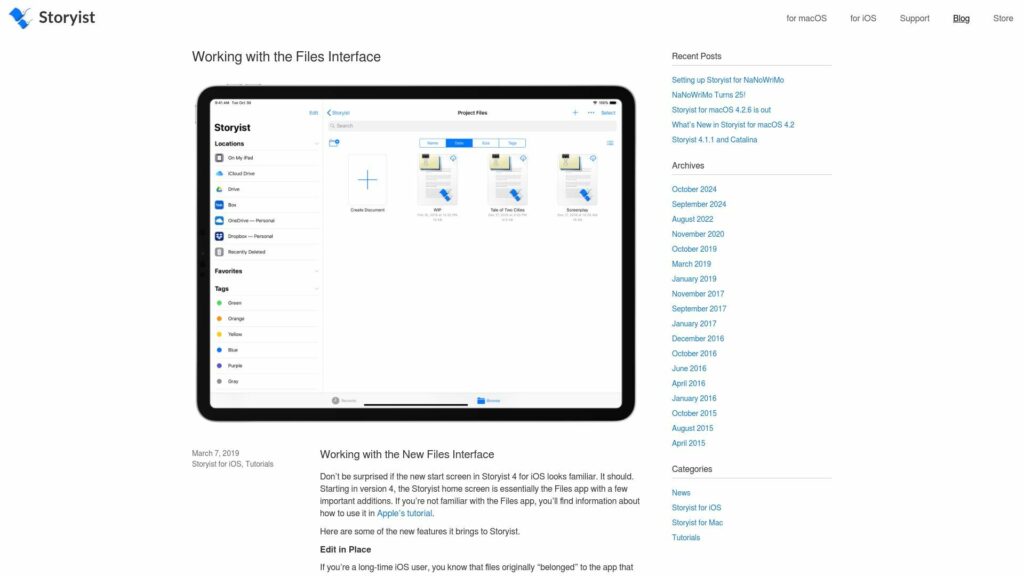
TLDR: Storyist 4 for iOS features a new Files interface, allowing “edit in place,” support for various 3rd-party cloud storage services, file organization in folders and lists, tagging, sharing options, iCloud File Sharing, access to recent files, and version history for better file management.
https://storyist.com/blog/2019/03/working-with-the-files-interface/