Extrapolated Futures Archive

The Extrapolated Futures Archive is a resource linking real-world scenarios to speculative fiction stories that have explored similar ideas, offering decision-makers in various sectors a way to find fictional thought experiments relevant to contemporary challenges. The archive catalogs nearly 2,000 stories across 20 domains such as governance, AI, biotechnology, and climate, categorizing them by scenario types and outcomes, and provides tools for searching, filtering, and reasoning to enrich understanding of novel situations.

https://urubos.github.io/efa-site/

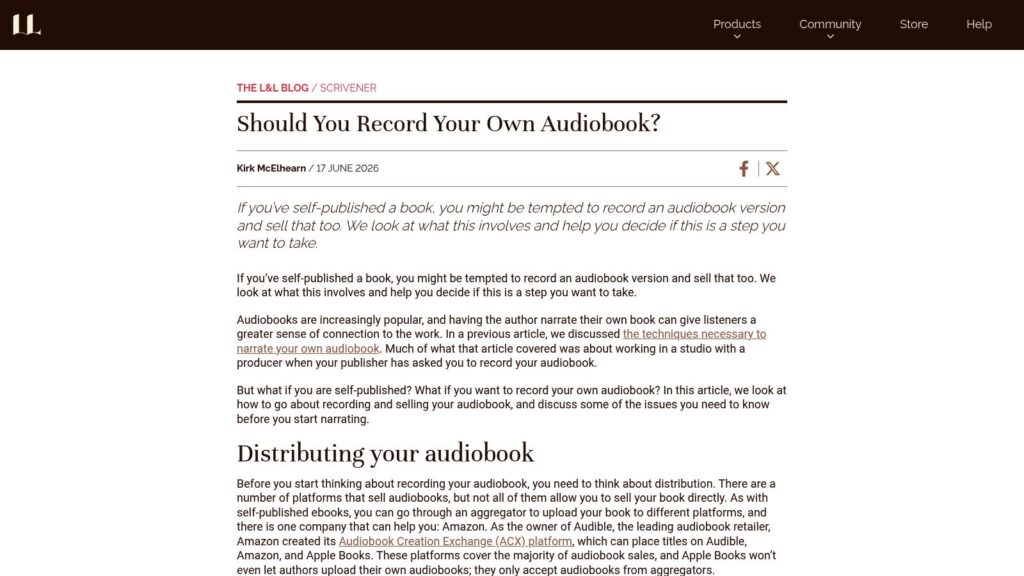
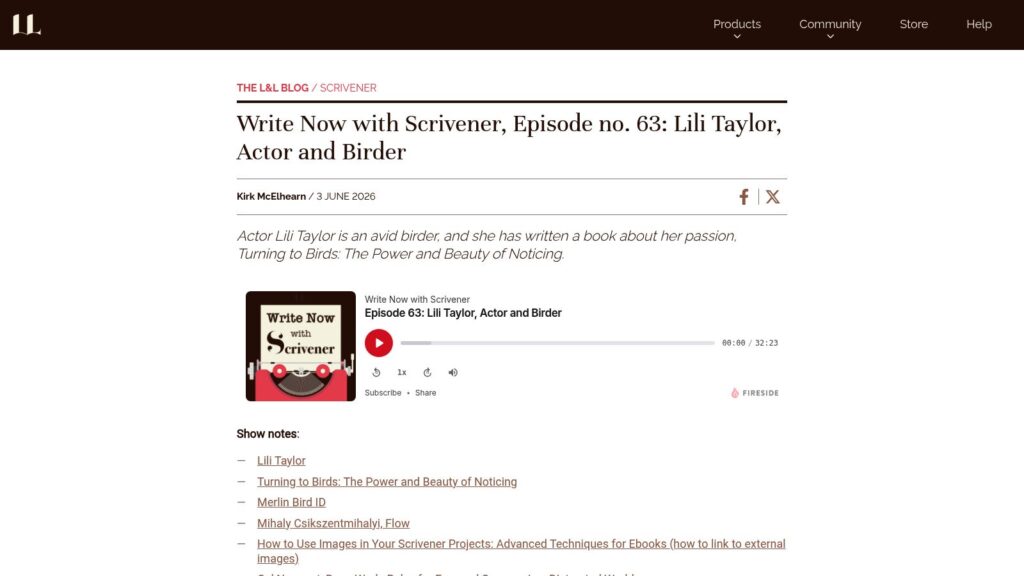
Save Time With the Extended Keyboard Row in Scrivener for iPad and iPhone

Scrivener for iPad and iPhone includes an extended keyboard row that provides easy access to punctuation, formatting, and navigation keys, addressing the limitations of small screens and touch interfaces. This customizable feature enhances writing efficiency by allowing users to quickly switch between sets of keys for special characters, navigation, and formatting, with options to hide the keyboard row if desired.

https://www.literatureandlatte.com/blog/save-time-with-the-extended-keyboard-row-in-scrivener-for-ipad-and-iphone

Bear Beyond Text: Working with Images, PDFs, and More

Bear enhances your writing experience by seamlessly integrating various media types like images, PDFs, sketches, and GIFs into your notes. It offers intuitive features such as easy image insertion, built-in editing tools, PDF preview options, Apple Pencil support for sketches, and OCR search to help organize and enrich your digital library across Apple devices.

https://blog.bear.app/2026/04/bear-beyond-text-working-with-images-pdfs-and-more/

Blank Page

Blank Page is a minimalist writing platform designed to eliminate distractions by offering a simple interface without unnecessary features or complex setups. It aims to help users write clearly and focus better, whether drafting blog posts, emails, or notes. The service emphasizes ease of use and clarity to enhance the writing experience.

https://blank.page/welcome

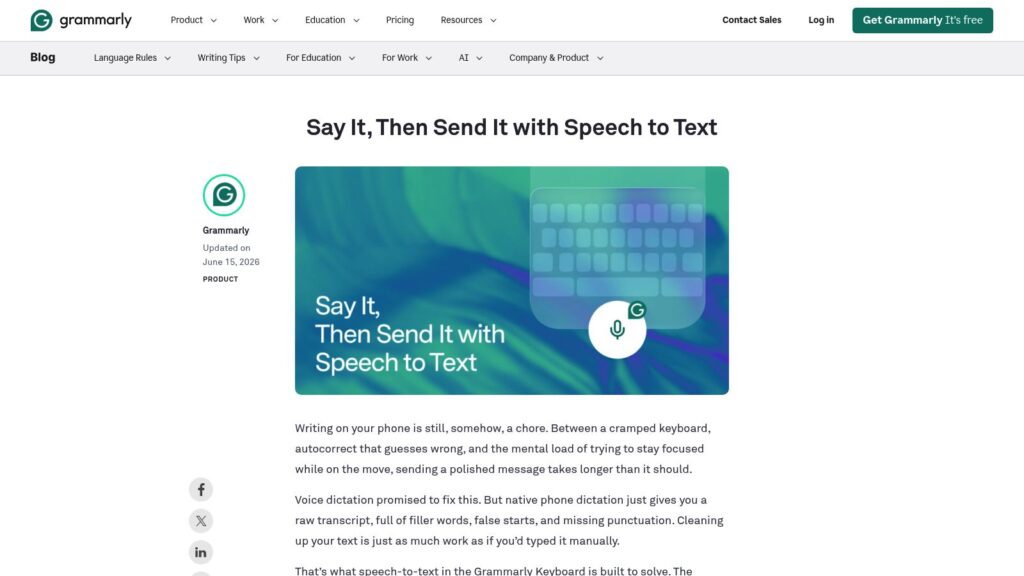
Slop Cop

Slop Cop is a browser-based writing editor designed to identify and flag common rhetorical and structural patterns typical of generic large language model (LLM) prose. By adding an Anthropic API key, users can access deeper analysis and automatic editing features to improve their text. The tool highlights overused phrases, sentence structures, and stylistic tics, helping writers create clearer and more original content.

https://awnist.com/slop-cop

American English Dialects

The article presents a detailed map and analysis of North American English dialects based on pronunciation patterns, incorporating over 900 audio and video samples representing local speech varieties. It draws extensively on data from the Atlas of North American English (ANAE) and includes an interactive, full-scale dialect map that provides clickable samples and detailed descriptions of regional phonological features, such as the pin-pen merger, r-dropping, and vowel fronting. The project encourages community contributions to expand its audio sample collection and offers a comprehensive dialect description chart and phonemic pronunciation guide to assist with understanding regional differences.

https://aschmann.net/AmEng/

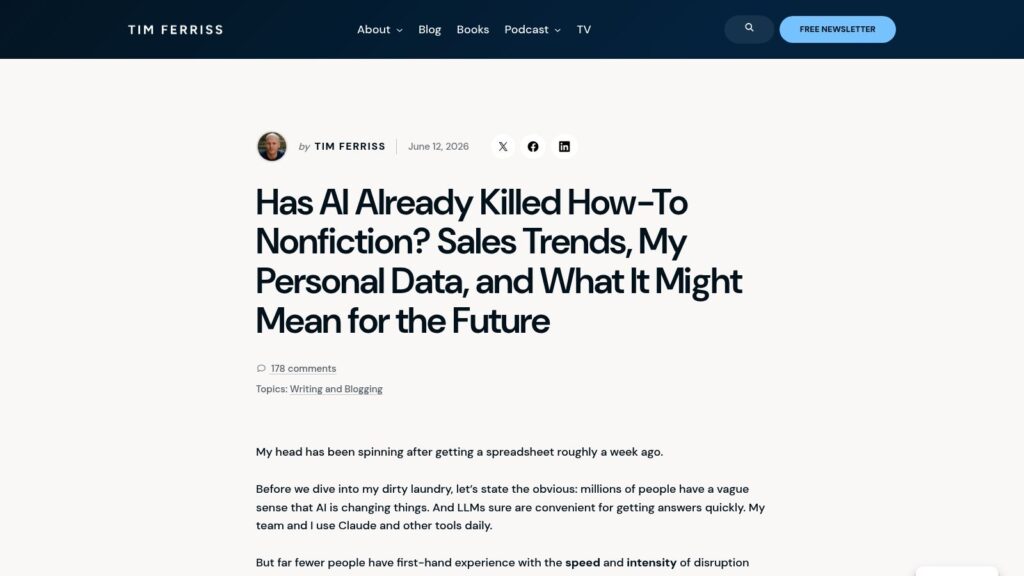
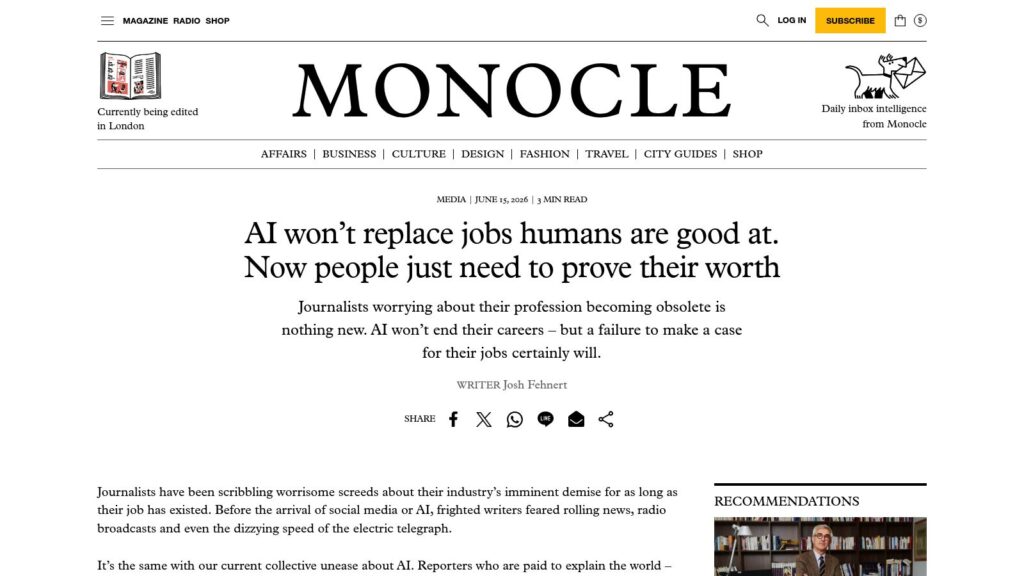
It’s Getting Harder to Spot AI in Contemporary Publishing. And That’s Very, Very Bad.

Maris Kreizman discusses the challenges the publishing industry faces in detecting AI-generated text amid the growing sophistication of large language models and the flawed nature of AI detection tools. She argues that the core issue lies in overworked editors and a corporate culture prioritizing quantity over quality, emphasizing that giving editors more time and resources to carefully edit is essential to maintaining the integrity and care of published works.

https://lithub.com/its-getting-harder-to-spot-ai-in-contemporary-publishing-and-thats-very-very-bad/

How to Use Scrivener for Writing Non-Fiction

Scrivener offers powerful features ideal for writing non-fiction books, including specialized templates, flexible organizational tools like the Binder, Corkboard, and Outliner, and a Research folder to store diverse reference materials. It supports footnotes, comments, and annotations, and its flexible compiling options allow writers to produce well-structured manuscripts efficiently, making it a popular choice among non-fiction authors such as biographers, historians, and science writers.

https://www.literatureandlatte.com/blog/how-to-use-scrivener-for-writing-non-fiction

How To End a Story: The 6 Ways All Stories End

The article discusses six common types of story endings—resolved, open, twist, circular, tragic, and cliffhanger—highlighting how each serves different narrative purposes and genres. It emphasizes the importance of choosing an ending that fits the story’s emotional impact, ensuring plot points are resolved or intentionally left open for interpretation, and refining the ending through revision for a satisfying conclusion.

https://www.literatureandlatte.com/blog/how-to-end-a-story-the-6-ways-all-stories-end

Scroll to Top