writing

Write Now With Scrivener, Episode No. 52: Jane Friedman, Publishing Industry Specialist
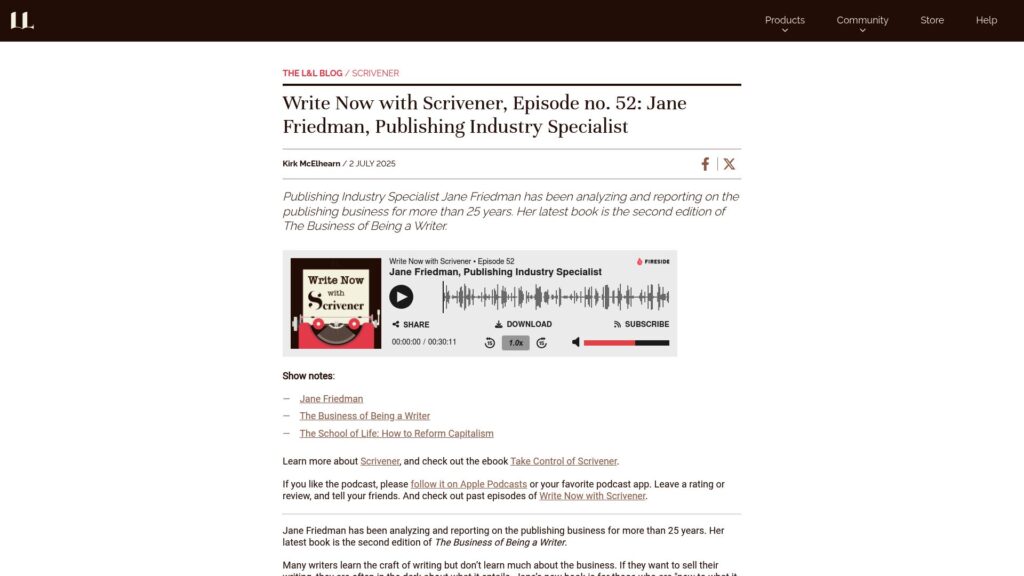
Jane Friedman, a publishing expert for 25+ years, authored the second edition of The Business of Being a Writer, aimed at helping writers navigate publishing and marketing amid evolving industry dynamics. She emphasizes learning business aspects and platform building for authors, who often view themselves solely as artists. The self-publishing landscape offers new opportunities, although it has also led to market saturation.

https://www.literatureandlatte.com/blog/write-now-with-scrivener-episode-no-52-jane-friedman-publishing-industry-specialist

New, Customizable Quick Start + New Day One Labs Features

iOS 2025.13 introduces a customizable Quick Start section in the More tab for easier journaling with actions like Suggestions, Today, and Audio. Day One Labs offers experimental AI features for personalized prompts, title suggestions, and AI-generated images, all while ensuring user privacy. Users can provide feedback on these new tools.

https://dayoneapp.com/releases/new-customizable-quick-start-plus-new-day-one-labs-features/

The Causal Effects of AI at Work

Grammarly research shows that post-zero-interest rates, companies are reassessing budgets amid a push to cut vendor spending while also wanting to invest in generative AI. Despite time spent communicating being high, measuring AI's impact remains challenging. Grammarly's unique approach allows for causal effect measurement through randomized control trials, proving that it improves communication accuracy, reduces errors by up to 80%, and boosts compliance with company guidelines. Additionally, users become more productive, with 71% less idle time while composing emails and up to a 40% increase in output. Research indicates that improved communication correlates with better business outcomes, including increased customer satisfaction and retention. Grammarly emerges as an essential tool for effective organizational communication. Future plans include expanding research capabilities to further demonstrate AI's value in productivity.

https://www.grammarly.com/blog/engineering/effects-of-ai-at-work/

How to Proofread in 11 Steps

Proofreading is essential for correcting grammar, spelling, style, and formatting errors in writing, distinct from revising which focuses on content structure. This guide outlines the importance of proofreading, provides an efficient 11-step process, and offers tips for effective proofreading. Steps include taking breaks, eliminating distractions, altering text appearance, creating a checklist, reading aloud, checking spelling and punctuation, and ensuring layout consistency. Utilizing AI tools like Grammarly can enhance the proofreading process, but human judgment is crucial for catching subtle errors. Proofreading should be the final step to produce polished content.

https://www.grammarly.com/blog/writing-process/how-to-proofread/

How to Use the Scrivener Scratchpad to Collect Research and Capture Ideas

Scrivener's Scratchpad is a floating window for jotting down notes, ideas, and research while using other apps. Users can create and manage notes, change keyboard shortcuts, and customize file formats. Notes can be sent to Scrivener projects from the Scratchpad, and notes are stored as individual files. It is useful for research, writing, and revisions.

https://www.literatureandlatte.com/blog/how-to-use-the-scrivener-scratchpad-to-collect-research-and-capture-ideas

How to Use Images in Your Scrivener Projects: Advanced Techniques for Ebooks

Scrivener is a powerful tool for managing long-form writing, allowing image integration for ebook creation. Key features include adding cover images, linked images, and exporting images. Users can insert images linked to their computer, reducing project size and allowing for easy edits. Images can be exported, and while not a desktop publishing tool, Scrivener effectively supports self-publishing efforts.

https://www.literatureandlatte.com/blog/how-to-use-images-in-your-scrivener-projects-advanced-techniques-for-ebooks

Round Vs Flat Characters: Definitions, Examples and How to Write Them

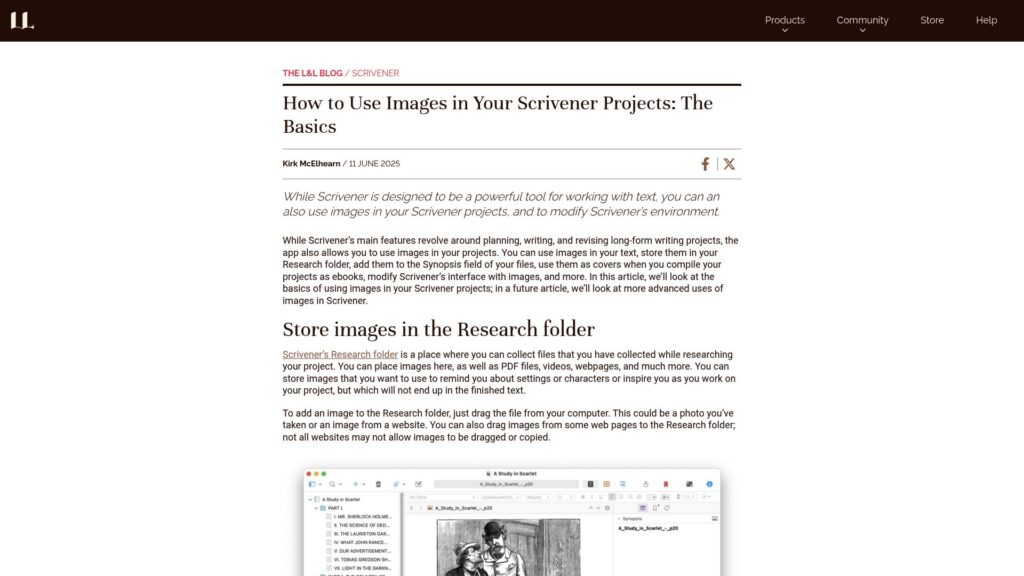
Scrivener supports text and images.

Round characters are complex with depth and development, while flat characters are simple and serve minor roles. Round characters evolve and have multifaceted personalities; flat ones are often static. Examples: Daenerys Targaryen, Severus Snape, and The Grinch are round; Ginny Weasley and Spicer Lovejoy are flat. Tips for writing: Round characters require detailed backstories and clear motivations, while flat ones need defined purposes without excessive detail. Balance both types for compelling storytelling.

https://www.literatureandlatte.com/blog/what-is-a-round-character-in-literature

How to Outline a Book in 7 Steps

Outlining a book simplifies the writing process by organizing ideas, providing structure, maintaining focus, saving time, and preventing writer’s block. Writers can choose between detailed outlines (plotters) and spontaneous writing (pantsers), using methods like linear, visual, the snowflake method, the 3-act structure, the hero’s journey, or a synopsis. Steps to outline include defining the book's purpose, identifying the audience, creating a central idea, developing arcs, structuring content, adding details, and refining organization. Outlining is adaptable, enabling writers to enhance clarity and direction in their work.

https://www.grammarly.com/blog/writing-process/how-to-outline-a-book/

Scroll to Top