app

Mac: Where Is Save As?

Save As… isn’t gone in macOS; it's replaced by Auto Save + Versions since 2011. This system auto-saves documents and maintains a version history, altering the previous Save As… workflow. Save As… can still be accessed as a hidden option (via Option key) but can confuse users with version management. The main commands are now Save, Duplicate, and Revert To, streamlining saving and versioning while allowing access to the old manual process.

https://www.hogbaysoftware.com/posts/mac-save-as/

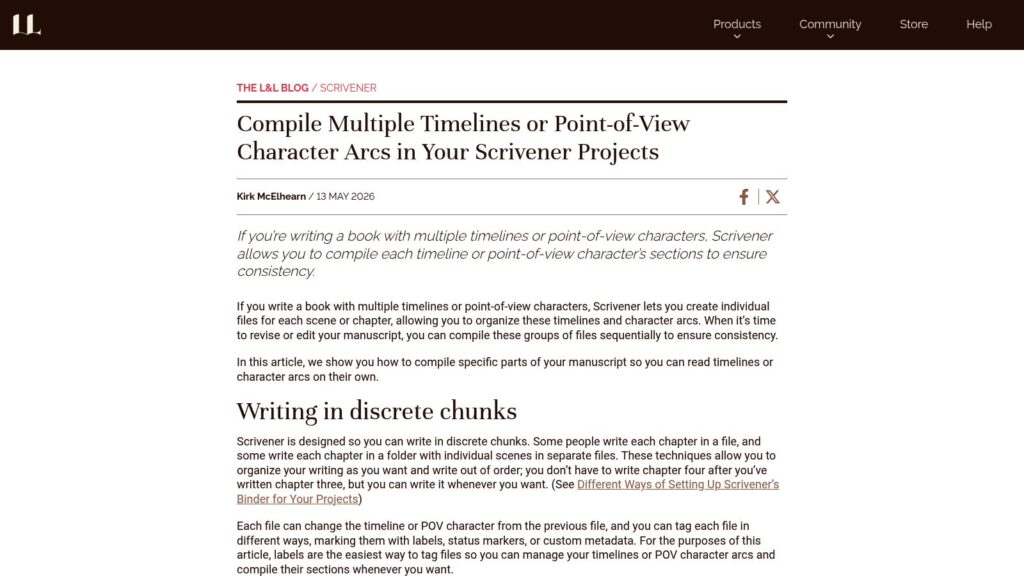
How to Compile Your Scrivener Project for Print, PDF, or Microsoft Word

Scrivener compiles projects by combining texts into a single exportable file for formats like print, PDF, or Word. Users plan, write, and organize their manuscripts in Scrivener, then compile them for sharing or self-publishing. The Compile interface allows users to customize settings based on templates and formats. It includes options for layout, section types, and file selection, making it easy to finalize and export manuscripts. Compiling is straightforward, typically requiring only basic settings.

https://www.literatureandlatte.com/blog/how-to-compile-your-scrivener-project-for-print-pdf-or-microsoft-word

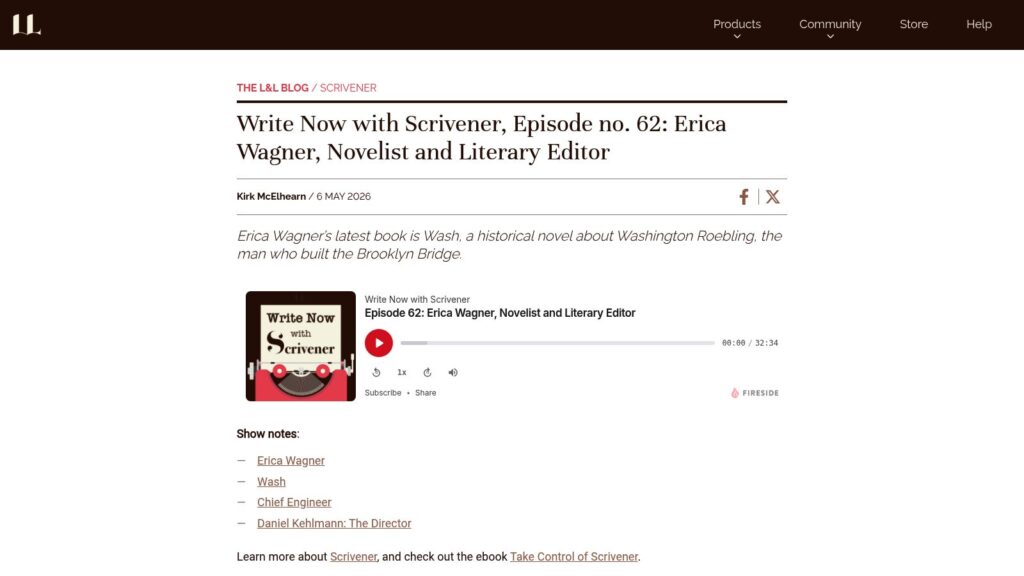
Write Now With Scrivener, Episode No. 57: Jonas Enander, Astrophysicist

Jonas Enander, an astrophysicist, authored Facing Infinity: Black Holes and Our Place on Earth. He explains the role of astrophysicists versus astronomers, discusses human perspectives on black holes, and critiques their portrayal in films like Interstellar. He emphasizes science as a human endeavor influenced by emotions and prestige yet capable of producing objective knowledge. Enander utilized Scrivener for writing his book, valuing its organizational features and distraction-free modes. Despite the long-term nature of astrophysics research, he feels fortunate to contribute to current discoveries in black hole astronomy.

https://www.literatureandlatte.com/blog/write-now-with-scrivener-episode-no-57-jonas-enander-astrophysicist

5 Books on Writing Poetry, and Why Every Author Should Read Them

Poetry and fiction differ, but poetry's language elements can enhance all writing types. Poetry's focus on sound, rhythm, and emotional imagery offers valuable tools for authors. Recommended readings include Mary Oliver's A Poetry Handbook, which teaches poetry's craft, and Rules of the Dance, focusing on metrical verse. Dr. Mardy Grothe's I Never Metaphor I Didn’t Like highlights metaphor's use in language. Robert Hass's A Little Book on Form explores poetic constraints that inspire creative writing. Poetry anthologies provide exposure to diverse poetic styles and cultures, enriching writers' perspectives.

https://www.literatureandlatte.com/blog/5-books-on-writing-poetry-and-why-every-author-should-read-them

Scrivener and AI: Why Do I See AI Prompts in My Scrivener Projects on Mac?

Scrivener doesn't use AI; prompts on Mac stem from Apple's AI tools. Unlike many apps, Scrivener keeps all text on-device and doesn’t send data to servers. Users may see AI features in newer macOS versions, but these cannot be removed from Scrivener. To disable Apple's AI prompts, turn off Apple Intelligence in system settings.

https://www.literatureandlatte.com/blog/scrivener-and-ai-why-do-i-see-ai-prompts-in-my-scrivener-projects-on-mac

How to Write Short Story or Essay Collections in Scrivener

Scrivener is excellent for long-form projects and collections of shorter works, offering features ideal for short stories and essays. It provides various templates for organizing writing, allows for effective revisions with snapshot backups, and helps manage story sequencing for a compelling collection. The final compilation process prepares works for sharing or publication, including ebook formatting options. Kirk McElhearn, writer and podcaster, authored “Take Control of Scrivener.”

https://www.literatureandlatte.com/blog/how-to-write-short-story-or-essay-collections-in-scrivener

How to Use the SCAMPER Method to Improve Your Writing

Extreme TLDR: SCAMPER is a structured brainstorming method (Substitute, Combine, Adapt, Modify, Put to another use, Eliminate, Reverse) for generating ideas by reworking existing ones. It helps overcome creative blocks, refines drafts, and is applicable across various writing types. Use SCAMPER during brainstorming or revisions to explore new angles and improve clarity.

https://www.grammarly.com/blog/writing-process/scamper-method/

I Use Typst Now

Chris Biscardi uses Typst for various content formats, including technical writing, videos, and documents, appreciating its bibliography support, document querying, and scripting capabilities. Typst targets multiple outputs (HTML, PDF) and features hot-reload for fast authoring. While it has downsides, like an experimental HTML target and stability concerns, Biscardi finds it promising for future integration in projects.

https://www.christopherbiscardi.com/i-use-typst-now

Scroll to Top