app

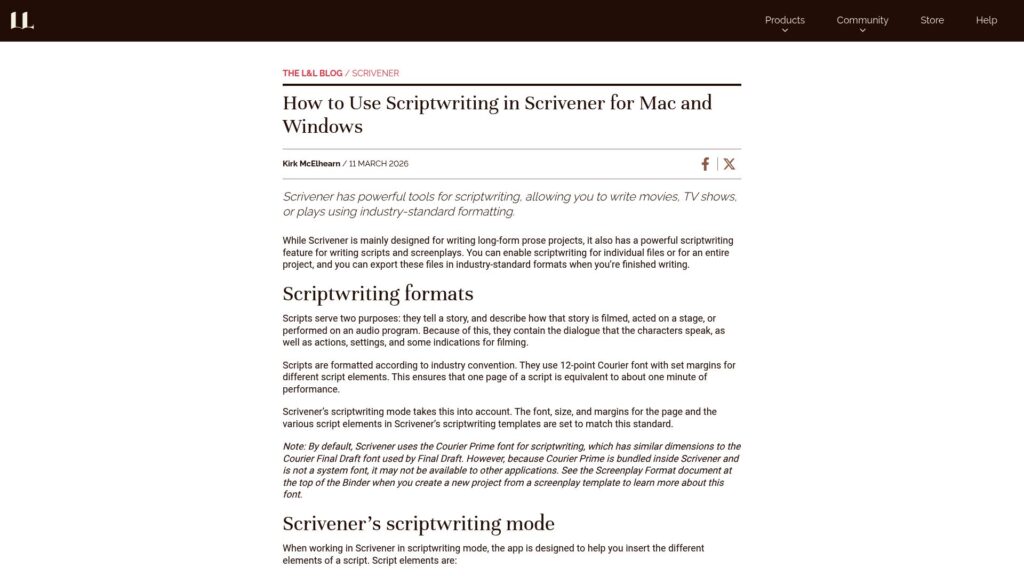
Writing a Novel in November? These Tips Will Help You Hit 50,000 Words

Tips for writing 50,000 words in November:

  1. Plan Ahead: Prep before November; outline story direction.
  2. Set Routine: Block time daily; consistency is key.
  3. Use Scrivener: Track word count, set targets for motivation.
  4. Aim for Progress: Focus on writing, not perfection; draft 50,000 words, refine later.
  5. Write Out of Order: Use Scrivener to write scenes as inspired.
  6. Take Breaks: Use short writing bursts with breaks for better focus.
  7. Use Prompts: Overcome writer's block with unrelated prompts.
  8. Anticipate Obstacles: Prepare for interruptions; exceed daily goals.
  9. Don’t Stress: If you don't reach 50,000, value the progress made; keep writing.

Author: Kirk McElhearn, offers Scrivener resources for writing.

https://www.literatureandlatte.com/blog/writing-a-novel-in-november-these-tips-will-help-you-hit-50000-words

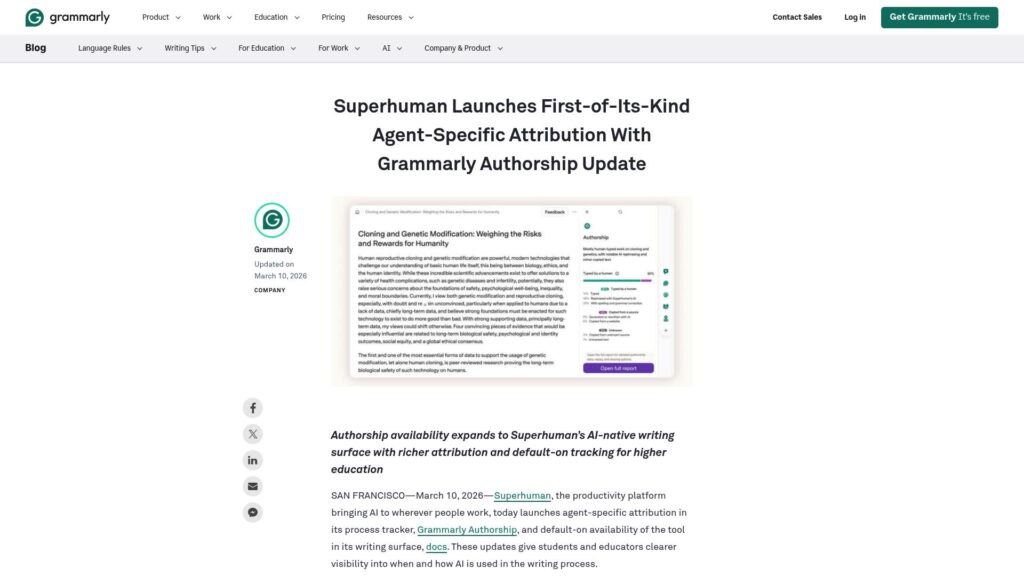
Grammarly Authorship Named to Fast Company’s Next Big Things in Tech 2025

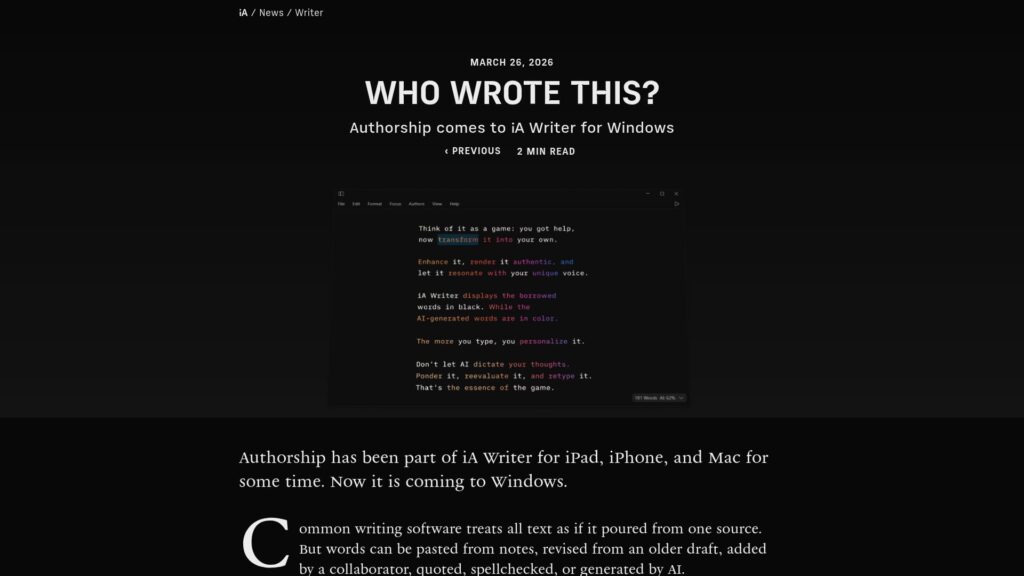
Grammarly Authorship, recognized by Fast Company as a top tech innovation for 2025, enhances AI use in student writing by ensuring transparency and trust. It categorizes text as human-written or AI-generated, promoting ethical AI usage and academic integrity. Since its launch, it has significantly reduced academic violations. Now integrated in Canvas LMS, it streamlines report submission and enhances classroom insights. Grammarly aims to strengthen writing transparency and support student responsibility in the AI era.

https://www.grammarly.com/blog/product/grammarly-authorship-named-to-fast-companys-next-big-things-in-tech-2025/

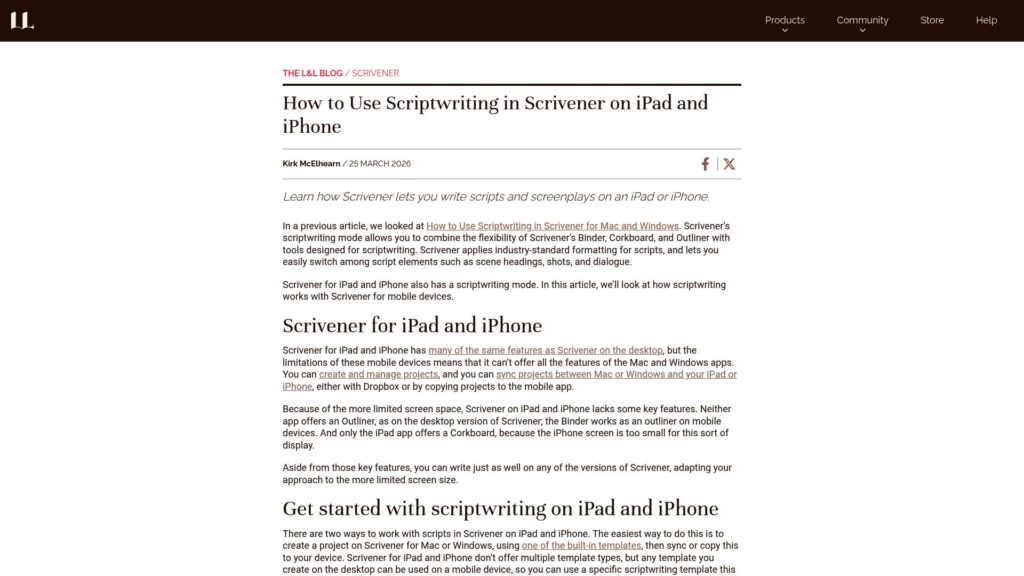
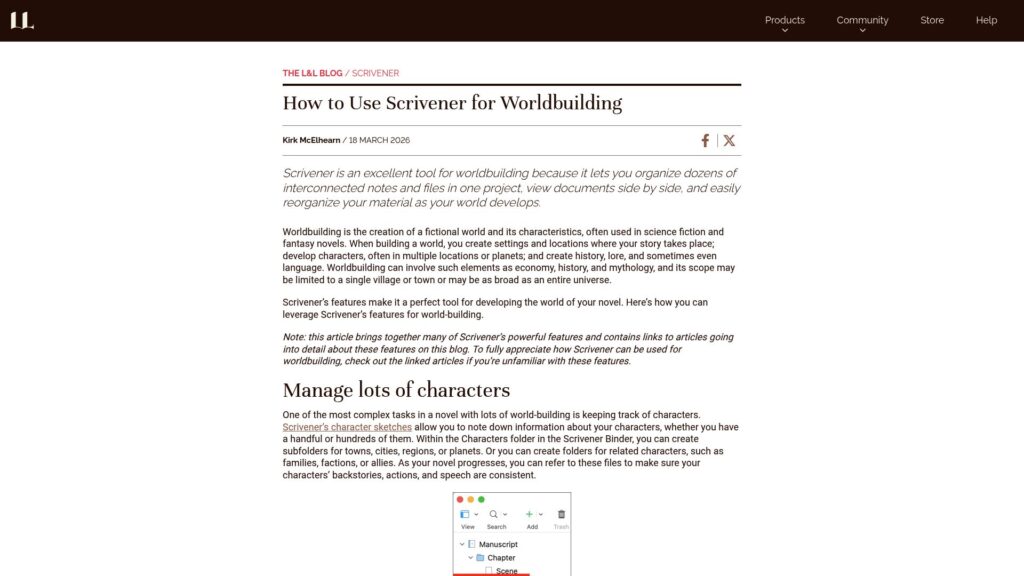
Using Advanced Character Sketch Templates in Scrivener

Scrivener allows the creation and customization of character sketches to organize character information, supporting multiple templates and folders for complex projects. Users can develop detailed character profiles with various attributes and relationships, using cascading character sketches for deeper insights. This flexibility is beneficial for managing numerous characters, especially in extensive narratives.

https://www.literatureandlatte.com/blog/using-advanced-character-sketch-templates-in-scrivener

New: Easily Add Tables in Day One for Web

Day One web update allows direct table insertion in journal entries via editor toolbar. Create, edit, and format tables easily without Markdown syntax. Useful for tracking expenses, mood, habits, comparisons, and organizing creative projects. Log in, create or edit entries, select table size, and sync across devices. iOS/Android support for viewing only coming soon. Try it on Day One for Web now.

https://dayoneapp.com/releases/add-tables-day-one-web/

Write Now With Scrivener, Episode No. 55: Maria Reva, Booker Longlisted Author of Endling

Maria Reva's novel Endling, longlisted for the Booker Prize, combines themes of snails, romance tours, and the war in Ukraine, reflecting on her experience as a Ukrainian immigrant. The book explores the impact of the Russian invasion on her writing process and features an unconventional structure, including direct reader engagement. It highlights the fragility of species and critiques the romance tour industry’s exploitation, using innovative narrative techniques developed during her writing process with Scrivener.

https://www.literatureandlatte.com/blog/write-now-with-scrivener-episode-no-55-maria-reva-booker-longlisted-author-of-endling

How to Create and Use Custom Document Templates in Scrivener

Scrivener offers customizable document templates for quick project creation, adapting to various writing needs. Users can create, store, and manage these pre-formatted files to organize elements like character sketches, email formats, and more, enhancing project efficiency and consistency. For creation, duplicate existing files, retain formatting, and store templates in designated folders.

https://www.literatureandlatte.com/blog/how-to-create-and-use-custom-document-templates-in-scrivener

Prompt Packs Now Available on Android + New Labs

Day One's new Prompt Packs offer themed journaling prompts for gratitude, mindfulness, and creativity, accessible via a new Prompts tab after updating the Android app. Users can browse, save, complete prompts at their pace, track progress, and personalize their experience. Additionally, Day One Labs introduces experimental features, including AI-generated summaries and custom images, enhancing the journaling process. Prompt Packs are currently available in English but can be toggled on for other languages in settings.

https://dayoneapp.com/releases/prompt-packs-new-labs-android/

Introducing iOS 26 Liquid Glass Updates, Apple Intelligence On-Device AI Features

Day One version 2025.19 for iOS introduces three major updates: Liquid Glass UI for a modern experience, on-device Apple Intelligence AI features for journaling, and a Creativity Prompt Pack with 40 prompts. Liquid Glass enhances visual depth and fluidity in the interface, while Apple Intelligence offers dynamic prompts, entry title suggestions, and highlights. The Creativity Prompt Pack helps users explore creativity. Labs users will see Strava integration and a new Entry Highlights feature. Update to experience these enhancements. https://dayoneapp.com/releases/ios-26-liquid-glass-plus-apple-intelligence/

Scroll to Top